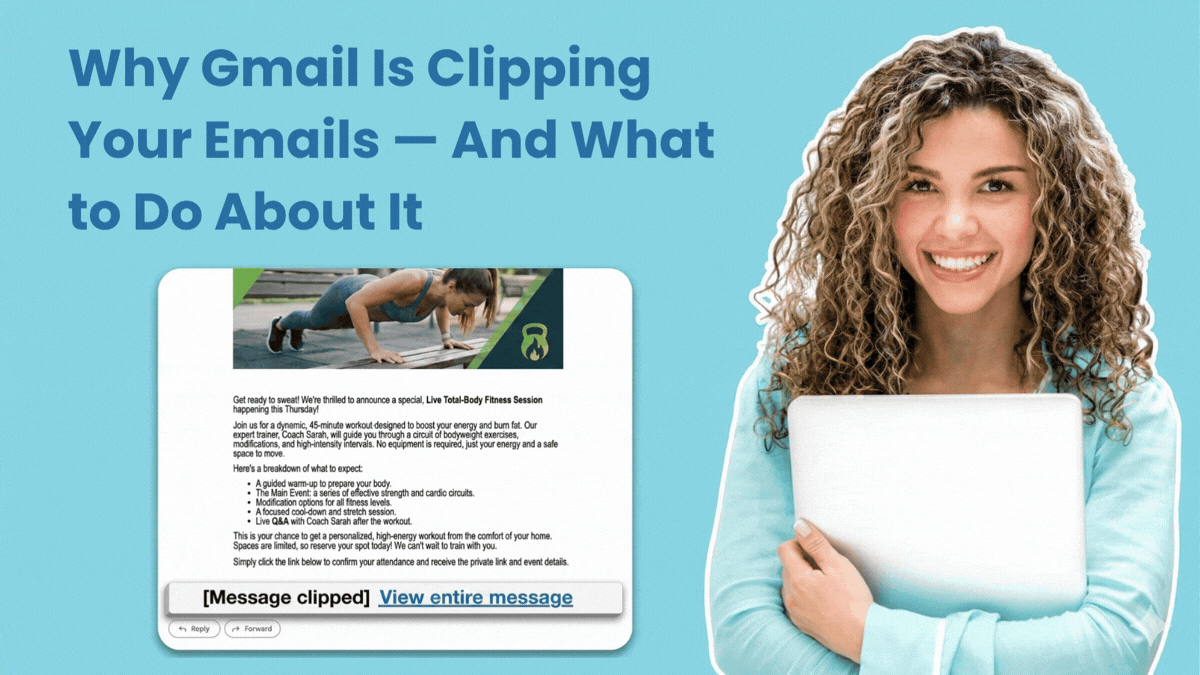
"Gmail automatically hides any part of an email that exceeds 102 KB in size. When that happens, subscribers see a "Message clipped [View entire message]" link where the rest of your email content should be. Most readers don't click it. They assume the email just ended."
"The content Gmail clips often includes your email tracking pixel. Most tracking pixels are located at the bottom of an email. If Gmail cuts your message before reaching that point, the open never gets recorded. So an email that a subscriber actually read shows up in your stats as if it never happened."
"Multiple images - especially high-resolution ones not optimized for email, heavy formatting - lots of fonts, colors, custom styles, and spacing rules, many links and buttons - each adds code to the message, and inline CSS - email clients require styles to be written directly into the HTML, which adds bulk."
Gmail clipping occurs when emails exceed 102 KB in size, causing Gmail to hide excess content behind a "Message clipped [View entire message]" link. Most subscribers don't click this link, assuming the email ended. This feature significantly impacts email metrics because tracking pixels, typically placed at the bottom of emails, often get clipped before being reached. When tracking pixels aren't loaded, opens go unrecorded despite subscribers actually reading the message. Common causes of oversized emails include multiple high-resolution images, heavy formatting with various fonts and colors, numerous links and buttons, inline CSS styling, and long-form content. Senders may attribute poor open rates to subject lines, timing, or copy quality when the actual culprit is invisible file size issues.
Read at AWeber
Unable to calculate read time
Collection
[
|
...
]