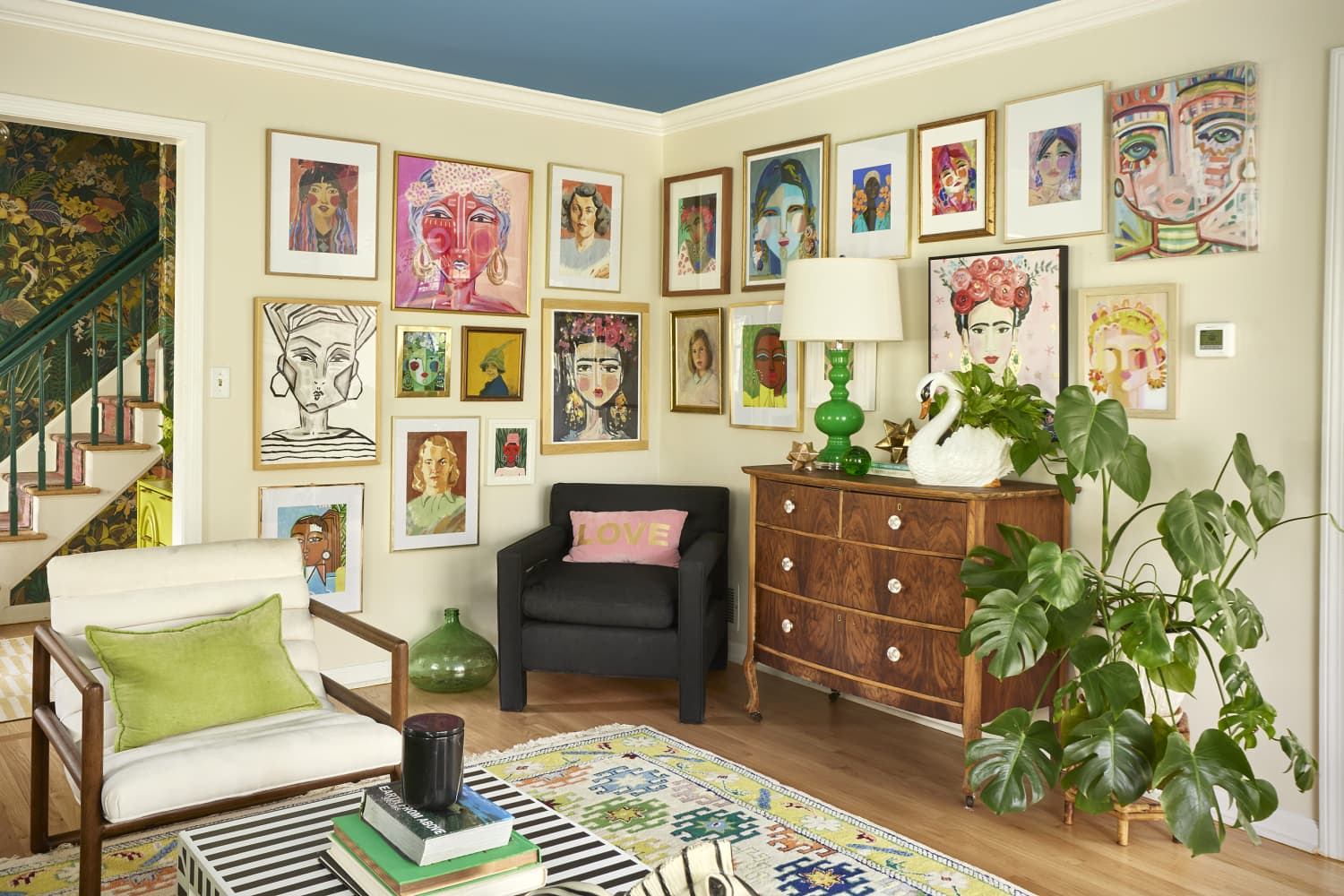
A digital Canva workflow streamlines gallery wall planning by turning a photographed wall into a drag-and-drop mockup. Photograph the target wall, upload the image to a blank Canva design, then photograph each framed artwork and upload those images. Remove backgrounds from the artwork photos so only the framed pieces remain, and scale each image as accurately as possible. Experiment with different arrangements in Canva until a preferred layout emerges. Use the finalized mockup as a roadmap during the physical installation to place nails and hang art efficiently.
"There are so many different ways to approach designing a statement gallery wall in your home. You can meticulously plan where each piece of art will go by taking measurements and cutting and taping paper templates. Or you can just start banging nails into the wall and hope for the best, as whimsy often ends up being unplanned. If you fall into the former category, though, then you may be a bit of a "Type A" person - that is, someone who prefers planning and organization."
""Okay okay, despite being very Type A, you have to admit - this is such a great idea for designing a gallery wall!" Mathena wrote in the caption of the video she shared. Instagram user Mathena Claire shared her system for visualizing and planning a gallery wall using Canva. This method lets you play around with the layout simply by clicking and dragging - plus, it acts as a roadmap for the eventual installation."
Read at Apartment Therapy
Unable to calculate read time
Collection
[
|
...
]