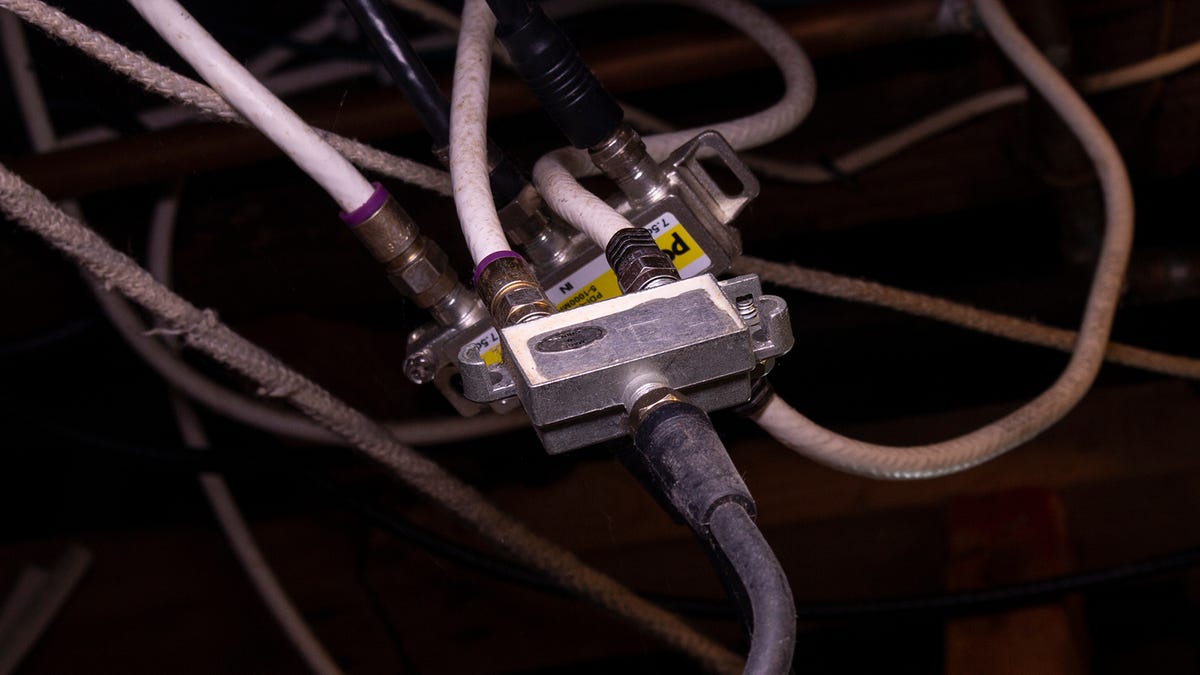
Wireless internet often proves unreliable for work and streaming, causing glitches in video calls and disruptions during important tasks. A wired network connection to a home office provides faster, more reliable performance with lower latency, benefiting file sharing, high-quality video meetings, and gaming. Running new Ethernet cable can be messy, expensive, and impractical in rented properties. Many homes have coaxial cable outlets originally installed for television; those coax lines can carry internet via MoCA (Multimedia over Coax Alliance). MoCA 2.5 supports speeds up to 2.5 Gbps, enabling high-speed wired links using existing coax outlets without new cabling.
"The answer is to run a wired network connection to your home office. Wi-Fi is great for mobility, but a wired connection offers many advantages when it comes to working from home. It's faster and more reliable, with lower latency, all of which matters if you regularly share large files, participate in high-quality video meetings, or even (ahem) play games."
"Fortunately, there's a solution, as I discovered a few years ago when I moved to a loft-style condo. My router was in the living room, serving up gigabit downloads. My office was at the other end of the house, with Wi-Fi signals that were depressingly weak, thanks to brick walls. I didn't have Ethernet jacks anywhere in my home, but every room had cable outlets. That's what unlocked the solution to my bandwidth dilemma."
Read at ZDNET
Unable to calculate read time
Collection
[
|
...
]