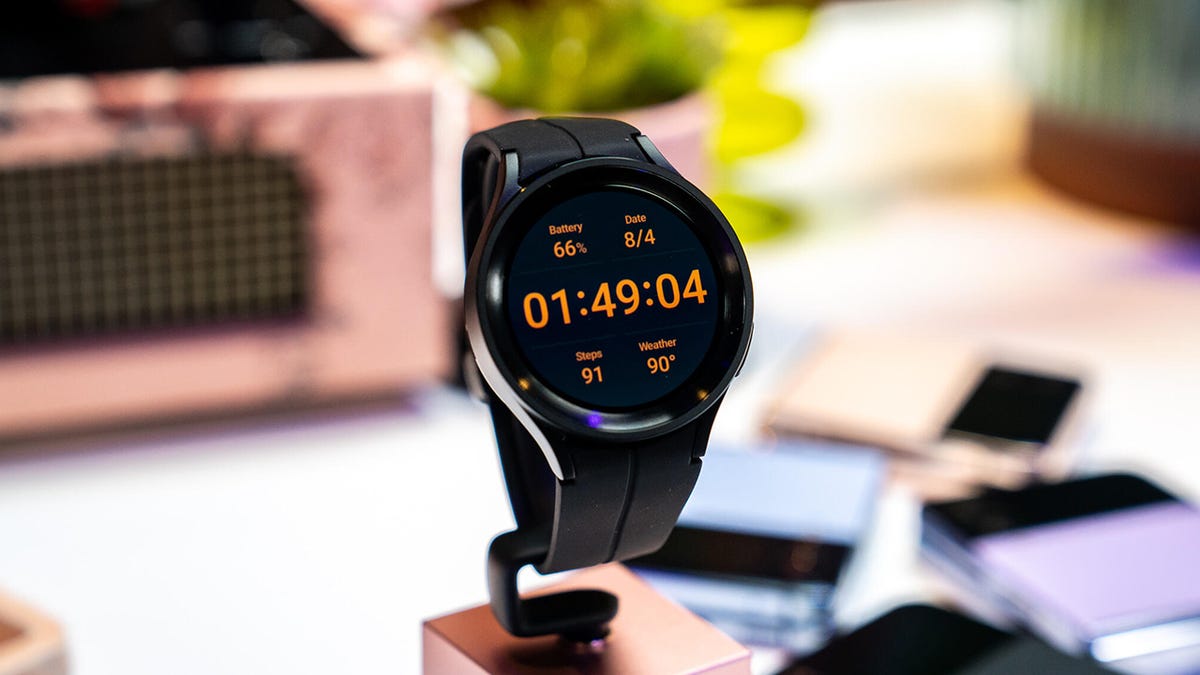
"Your Galaxy Watch is not so different from your phone or even a messy room. When put to great use, it, too, gets cluttered. By continually using your Galaxy Watch, regularly switching between apps and functionalities, or running too many apps at the same time, you're bogging it down with data that clutters it and slows performance. This results in slower performance, frozen screens, and an annoying user experience."
"Think of a cache like a garbage can. It temporarily stores your smartwatch data (or junk) and, in this half-baked analogy, considers that data when you log into sites or perform regular tasks. Just like a garbage can, it gets filled with junk after a while and begins to overflow if not properly handled. Clearing your cache removes some of that junk that's making the garbage can (Galaxy Watch) performance laggy."
"Luckily, hope isn't lost -- and you don't need to buy another device to fix this issue. In fact, I'd advise against doing so whenever you're confronting any performance issue with your technology. Before you shell out more money on a new device, there are some tips and tricks you can use to breathe new life into an old one. This brings us to, quite possibly, the easiest fix to lagging smartwatch performance: clearing the cache."
Continual use and frequent app switching on a Galaxy Watch causes cached data buildup that clutters system storage. Cached junk slows responsiveness, causes frozen screens, and increases battery drain. Simple restarts may not remove this accumulated data, so manual cache clearing provides a more effective remedy. Clearing the cache removes temporary files and can restore speed and stability without replacing the device. Samsung notes that memory management uses automatic system-driven optimization, but users can still perform manual memory-clearing steps. Regular cache maintenance can prolong usable performance and delay unnecessary hardware upgrades.
Read at ZDNET
Unable to calculate read time
Collection
[
|
...
]