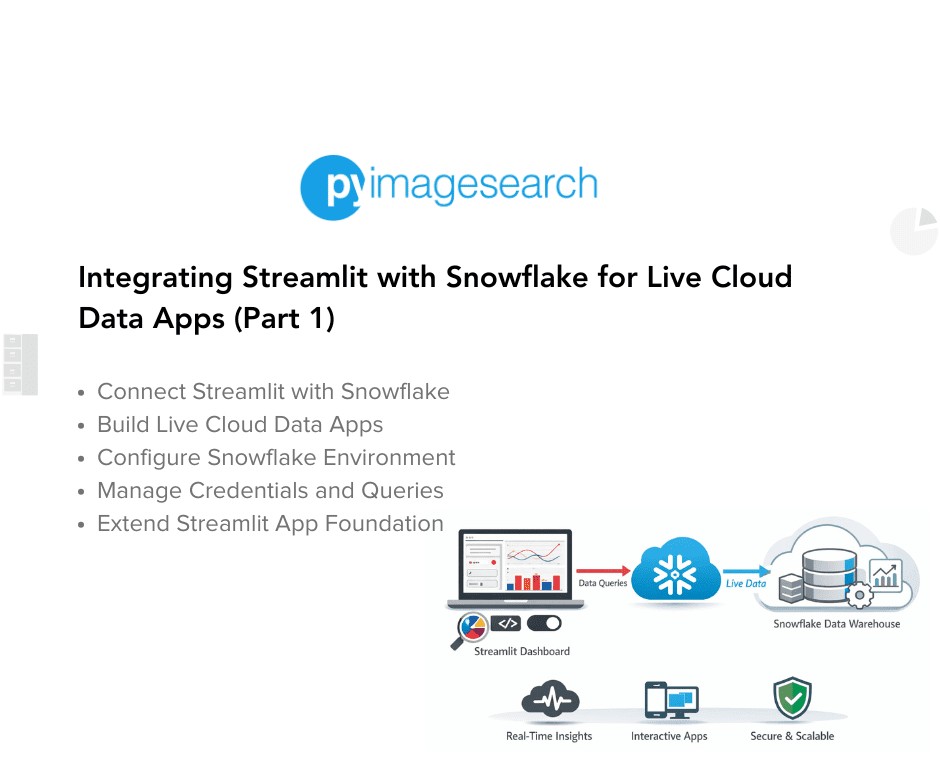
Streamlit apps can connect to Snowflake to enable real-time analytics on governed, scalable warehouse data. Secure credential configuration can use environment variables or Streamlit's built-in secrets.toml to protect access. Developers can create reusable connection and query helpers in a dedicated module (snowflake_utils.py) to centralize database logic. Running live SQL queries from Streamlit supports visualization, exploration, and blending of Snowflake tables with local datasets. Snowflake offers scalable storage, secure sharing, and fast query execution suited for production analytics. Integrating secure connections, query helpers, and visualization components turns local prototypes into cloud-ready data applications.
"In the first two lessons, you learned how to build and extend a data explorer using static CSVs. That was perfect for learning Streamlit's reactivity model, caching, and UI widgets. But in real analytics workflows, teams don't analyze CSVs sitting on someone's laptop - they connect to governed, live data sources that can scale securely across users and projects. This is where Snowflake comes in. Snowflake is a cloud-based data warehouse built to handle massive datasets, enable secure sharing, and deliver blazing-fast SQL queries."
"In this tutorial, you'll learn how to connect your Streamlit app to Snowflake, a cloud data warehouse built for real-time analytics. You'll securely configure credentials, run SQL queries from Streamlit, visualize results, and even blend Snowflake tables with local data - creating a live, interactive data explorer powered entirely by Python. This lesson is part of a series on Streamlit Apps: Getting Started with Streamlit: Learn Widgets, Layouts, and Caching"
Read at PyImageSearch
Unable to calculate read time
Collection
[
|
...
]