"Everybody who routinely takes screenshots on a Mac knows very well the motor memory heaven and hell that are the screenshotting shortcuts: ⌘⇧3 to grab the whole screen, ⌘⇧4 to grab part of it, hold ⌃ ahead of time to put the result in the clipboard, press space at the right moment to select a window, hold ⌥ at a different time to remove a shadow, and so on. (Yes, there's more.)"
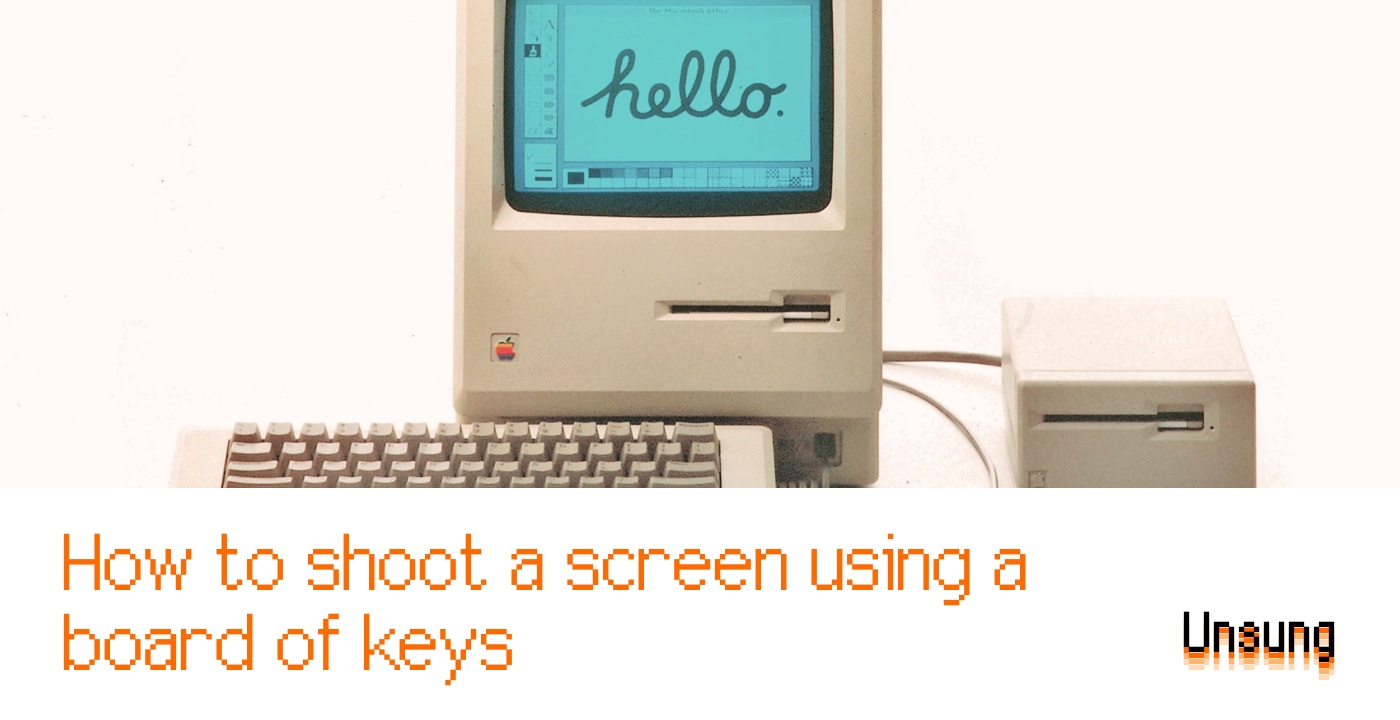
"The effort is so old - they were introduced in 1986 - that ⌘⇧1 was added as a quick shortcut to... eject the floppy disk. And, since you could also have an external floppy drive, ⌘⇧2 was assigned to eject that, and the shortcuts for screenshots followed in sequence: ⌘⇧3 to save the screen, and ⌘⇧4 to send it straight to your printer."
Mac screenshot shortcuts include ⌘⇧3 for the whole screen and ⌘⇧4 for a selection, with modifiers like ⌃ to send to the clipboard, space to pick a window, and ⌥ to remove shadows. Users tend to fall into two groups: those who never learn these complex combos and those whose fingers perform them automatically. The numeric ordering of screenshot shortcuts reflects an older shortcut scheme from 1986 where ⌘⇧1 and ⌘⇧2 were assigned to eject internal and external floppy drives, and Caps Lock toggled between full-screen and window captures. Drive proliferation forced additional assignments like ⌘⇧0.
Read at Aresluna
Unable to calculate read time
Collection
[
|
...
]