#image-blurring
#image-blurring
[ follow ]
#google-photos #photography #ai #generative-ai #google-gemini #professional-headshots #ai-generated-content







Graphic design
fromdesignboom | architecture & design magazine
2 weeks agohiggsfield brings art-directed quality to AI image generation at production scale
Higgsfield's Soul 2.0 revolutionizes AI photo generation for the creative industry, enhancing visual quality and efficiency in producing artistic imagery.
Berlin
fromFast Company
1 month agoDeepfakes are warping reality. This AI project turns them into a history lesson
An art installation uses AI deepfake technology to place participants into historical speeches, demonstrating generative AI's potential for educational and artistic purposes beyond misinformation.
World news
fromwww.theguardian.com
1 month agoAI-generated Iran images are widespread. How do we know what to believe? | Margaret Sullivan
AI-generated deepfakes spread rapidly on social media while legitimate news images face false manipulation accusations, creating widespread distrust in visual media.
fromWIRED
1 month agoThis Digital Picture Frame Wants to Bring People Closer to a Holographic Future
Upload any picture or video, and Musubi uses artificial intelligence to extract the most important part and hover it in space as a 3D image within the frame. That could be a video of a child's first steps or a snapshot of a birthday party. The image will be displayed in 3D form, viewable in all its holographic glory across nearly 170 degrees.
Gadgets
Apple
fromFast Company
1 month agoPhotoshop's new AI assistant makes it easer than ever to edit images
Adobe launches an AI assistant for Photoshop Web and Mobile that enables intuitive photo editing through prompts, voice commands, and touch navigation, with results integrable into full Adobe creative workflows.
Graphic design
fromTechCrunch
1 month agoGamma adds AI image generation tools in bid to take on Canva and Adobe | TechCrunch
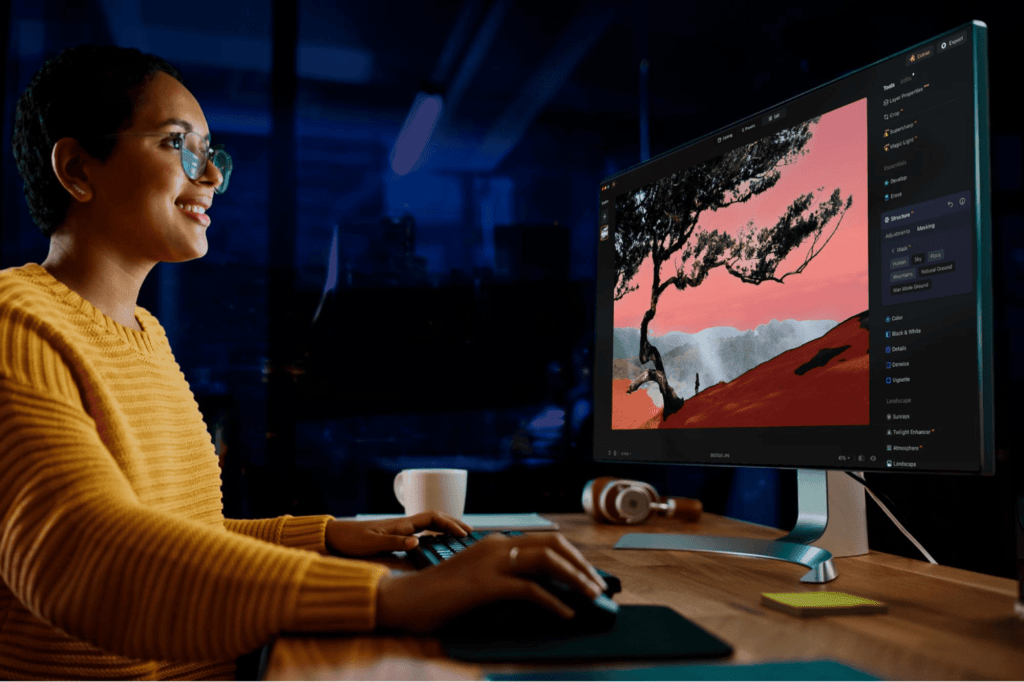
Gamma launches Gamma Imagine, an AI image-generation product for creating brand-specific marketing assets, positioning itself between professional design tools and legacy presentation software.
Artificial intelligence
fromEngadget
1 month agoYou can (sort of) block Grok from editing your uploaded photos
X and xAI introduced a feature allowing users to block Grok from modifying their uploaded images, but this limited measure fails to address widespread misuse of the image generation tool for creating nonconsensual intimate imagery.
Television
fromenglish.elpais.com
1 month agoIt's a trompe-l'il, it can't even turn you on': Have on-screen bodies become too unrealistic?
Despite increased sexual content in film and television, critics argue these portrayals lack genuine eroticism due to idealized bodies and choreographed encounters, potentially causing audience fatigue.
fromPsychology Today
2 months agoFlashed Face Distortions Across the Visual Field
In 2011, researchers Jason Tangen, Sean Murphy, and Matthew Thompson at the University of Queensland discovered a striking visual illusion while preparing a set of face images for a study. As they were going quickly through the faces to check their spatial alignment, they started noticing that the faces appeared highly distorted, almost cartoonish. They then realized that these distortions were most pronounced when the faces were flashed about 4-5 times per second in peripheral vision.
Psychology
fromElectronic Frontier Foundation
2 months agoBeware: Government Using Image Manipulation for Propaganda
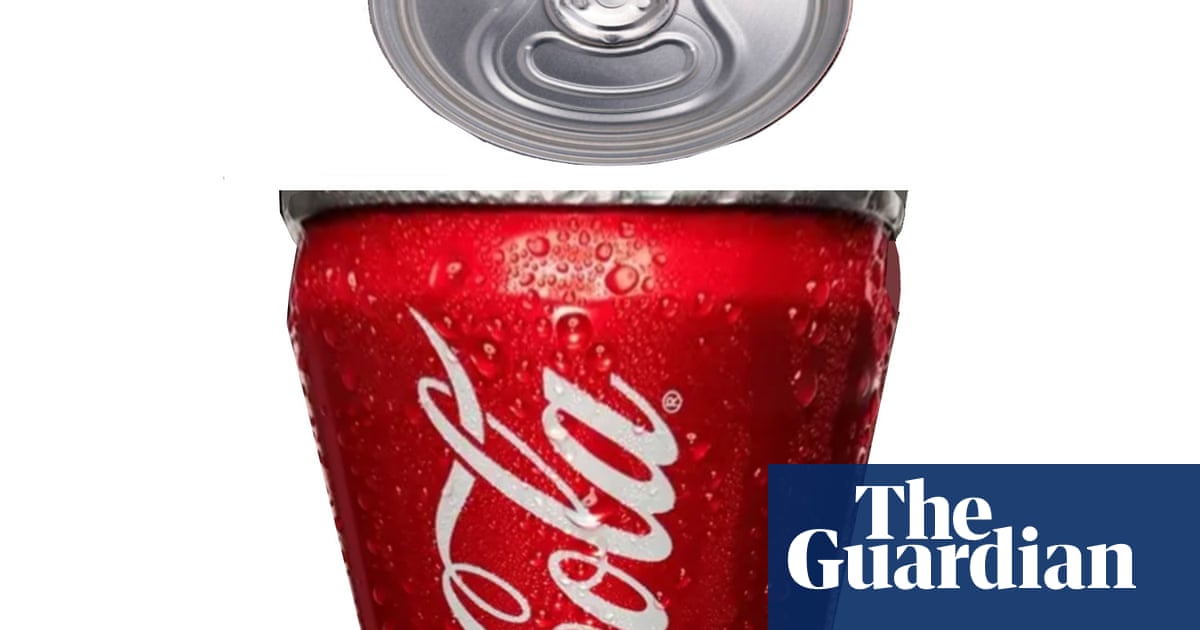
A short while later, the White House posted the same photo - except that version had been digitally altered to darken Armstrong's skin and rearrange her facial features to make it appear she was sobbing or distraught. The Guardian one of many media outlets to report on this image manipulation, created a handy slider graphic to help viewers see clearly how the photo had been changed.
US politics
fromAlexharri
3 months agoASCII characters are not pixels: a deep dive into ASCII rendering
One thing I spent a lot of effort on is getting edges looking sharp. Take a look at this rotating cube example: Try opening the "split" view. Notice how well the characters follow the contour of the square. This renderer works well for animated scenes, like the ones above, but we can also use it to render static images: The image of Saturn was generated with ChatGPT.
Software development



fromPetaPixel
1 month agoGoogle's Pomelli Photoshoot Feature is Here to Hammer Nails into the Coffin of Photography
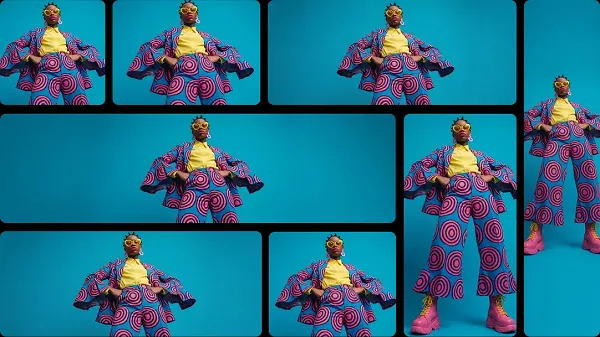
Introduced yesterday, Photoshoot uses Google's powerful generative AI tools, including Nano Banana, to create "professional" images of a product. Users simply click on 'Create a Product Photoshoot' and upload a photo of their product. It can be any photo, no matter how bad. "Don't worry about polish - we'll take care of it," Google says facetiously. From that user-generated image, Photoshoot will create various shot templates, including 'Studio', 'Floating', 'Ingredient', and 'In use'.
Marketing tech
fromThe Verge
1 month agoGoogle adds a camera to Snapseed on iOS
The Snapseed camera defaults to an automatic mode, but also includes optional controls for ISO, shutter speed, and focus, along with flash and zoom. It allows you to shoot using saved looks and edit stacks from the app, which can be altered after the shot is taken, along with a range of preset film effects inspired by specific films from Kodak, Fujifilm, and more. There's even a handful of UI color themes to pick from too.
Mobile UX
fromdesignyoutrust.com
2 months agoStunning Daily Renders Blending Cinema 4D And AI Into Otherworldly Scenes by Will Toulan
Dad Gets Tattoo So His 6-Year-Old Daughter Wouldn't Feel Different 21 Watercolors That Show How The Sun And Shadows Change Cities The Designer Reveals His Suggestions for Redesigning Famous Brands Naive, Super: Lovely Paintings by Angela Smyth Creative Spontaneous Sketches of Faces and Figures by Pawe Ponichtera Logo Artists Reinterpreted 38 Of The Most Recognizable Logos With A Single Unbroken Line Artist Paints While Under The Influence Of 20 Different Drugs The Uncannily Realistic Landscapes Of Carolyn H. Edlund
Arts
Artificial intelligence
fromBusiness
1 month agoImage to Image AI: A Smarter Way to Transform and Enhance Visual Content - Business
Image to Image AI transforms existing photos into enhanced or stylized versions using artificial intelligence, eliminating the need for manual editing skills or complex tools.
Photography
fromwww.dw.com
1 month agoLong before AI, fake photos were already popular
Image manipulation predates modern technology by nearly two centuries, with photography's invention in 1837 immediately followed by techniques to alter and fake images for political, commercial, and entertainment purposes.
fromEngadget
2 months agoAdobe Photoshop upgrades its Firefly-powered generative-AI editing tools
Adobe has improved the tools for Generative Fill, Generative Expand and Remove that are powered by its Firefly generative AI platform. Using these tools for image editing should now produce results in 2K resolution with fewer artifacts and increased detail all while delivering better matches for the provided prompts.
Photography
Photography
fromdesignyoutrust.com
1 month agoStunning Digital Storytelling Landscapes By Prismofpixels, Turning Quiet Streets And Town Squares Into Cinematic Moments Of Color And Light
A curated collection of diverse visual works spanning paintings, photography, design, and historical images across eras, genres, and artistic mediums.
fromThe Verge
2 months agoProcess Zero II will let you do a little processing, if you want
This update includes the next iteration of the app's much-discussed Process Zero mode, adding HDR and ProRAW support to what is intended to be a hands-off, anti-computational image processing method. There's a new black-and-white film simulation that also supports HDR, and more new "Looks" to come. This is my semi-regular cue to remind you that HDR is not a dirty word. We tend to associate the term with an over-processed look when high-contrast scenes are translated to an SDR display.
Photography
[ Load more ]